Founding PM · Product Designer · Engineer
Peppermint
The AI assistant that watches, listens, and thinks with you
Product strategy · Onboarding design · macOS app (Swift/SwiftUI) · Backend (Python/FastAPI) · AI integration (Gemini) · Privacy systems
Visit Peppermint ↗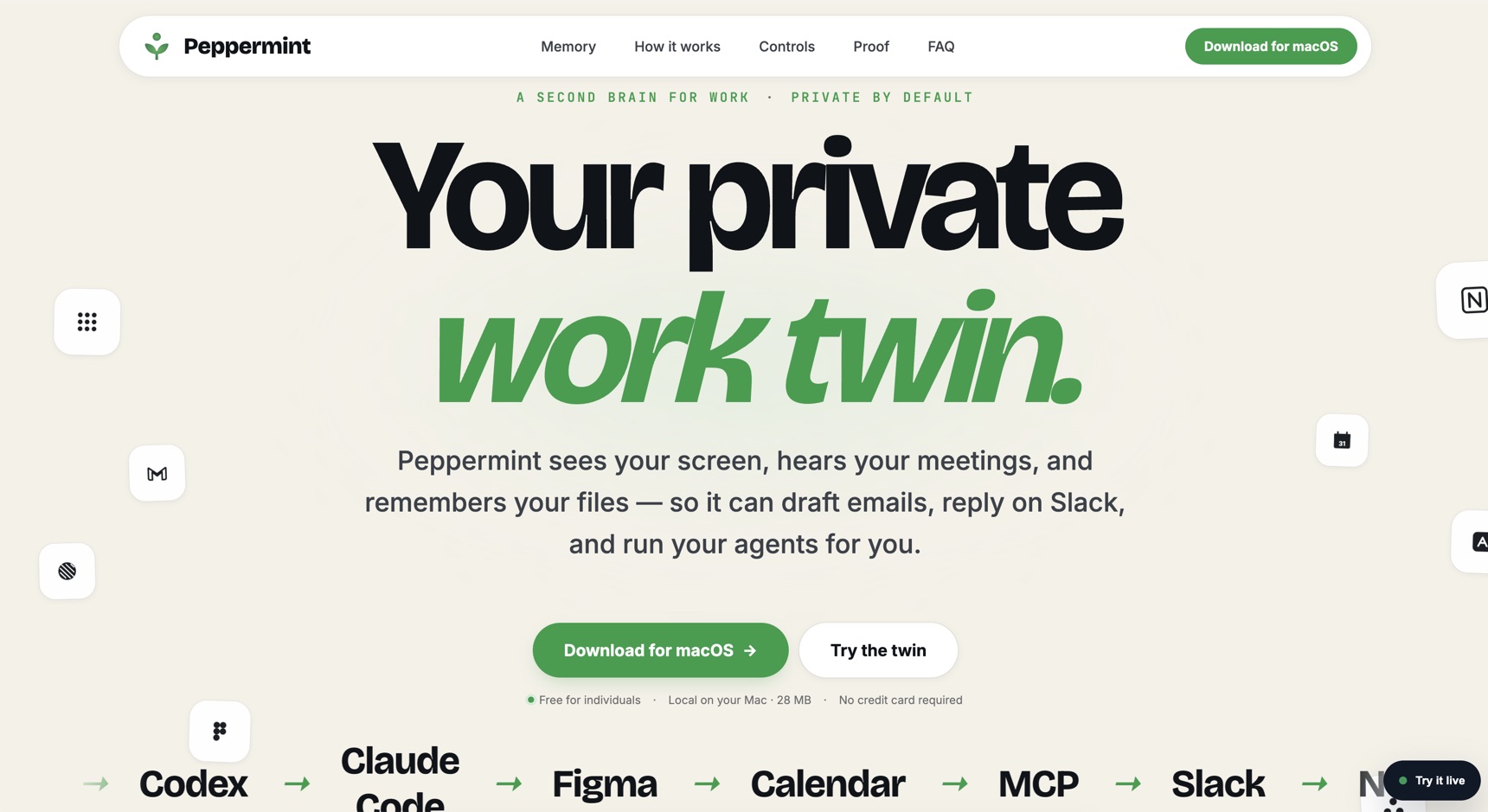
Overview
Peppermint is a macOS menu-bar AI assistant that passively captures what you see, hear, and work on, then surfaces proactive insights, memories, and context. No manual input required. It just watches.
I joined as a founding team member across product, design, and engineering. I shaped what the product is, not just how it looks, and stayed close to the code throughout: shipping features across Swift/SwiftUI, Next.js, and Python/FastAPI (165 commits in three months).
The Problem
AI tools are powerful only when you remember to use them. Peppermint closes that gap by being present without being asked.
The core design challenge was trust: how do you build something that captures screen, audio, and app context without feeling like spyware? Every onboarding step, permission request, and privacy control had to earn the right to stay in someone's day.
Onboarding & Activation
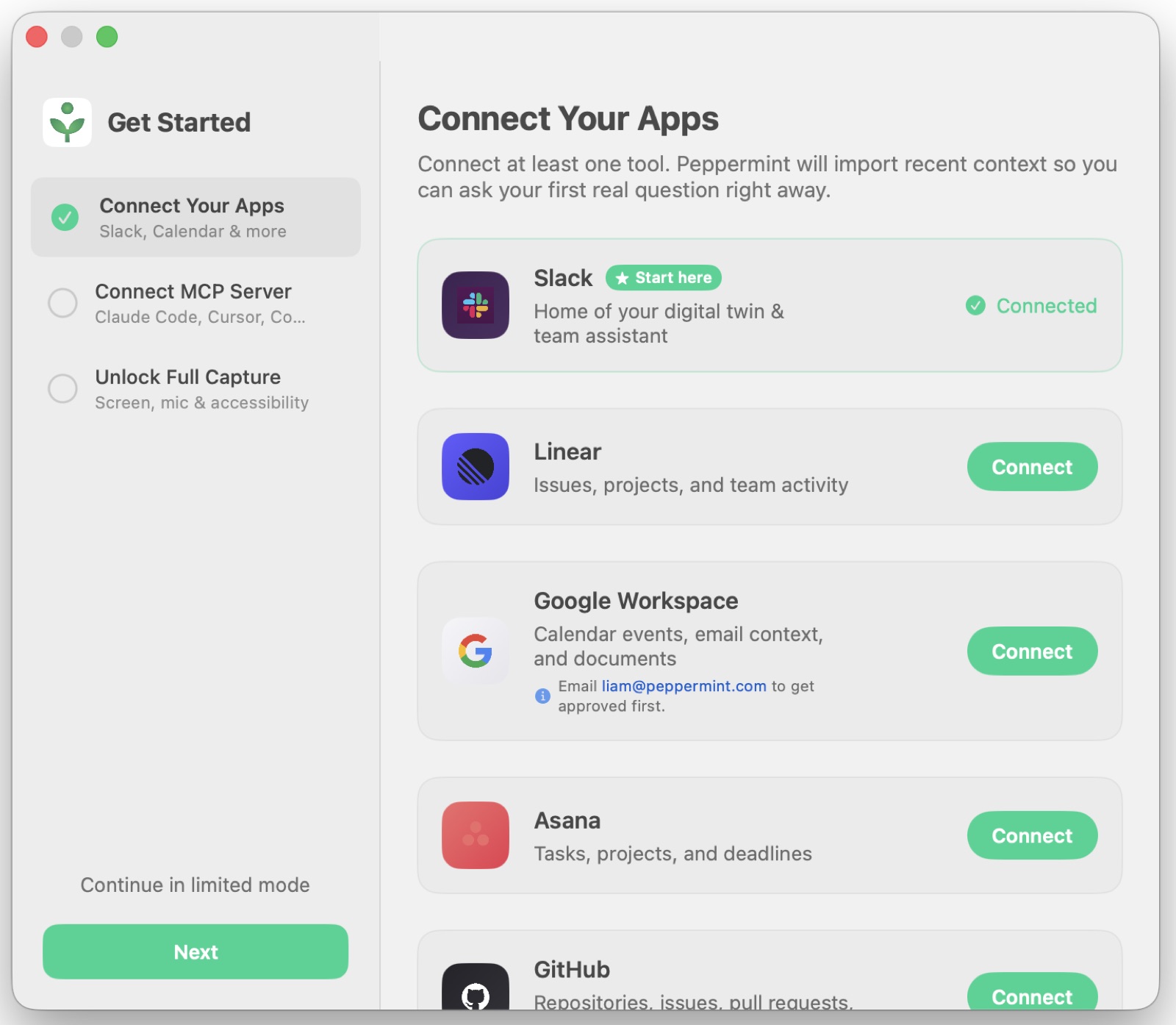
Early data showed a critical failure: users were abandoning before granting screen capture and microphone permissions. The original flow asked for trust before demonstrating any value.
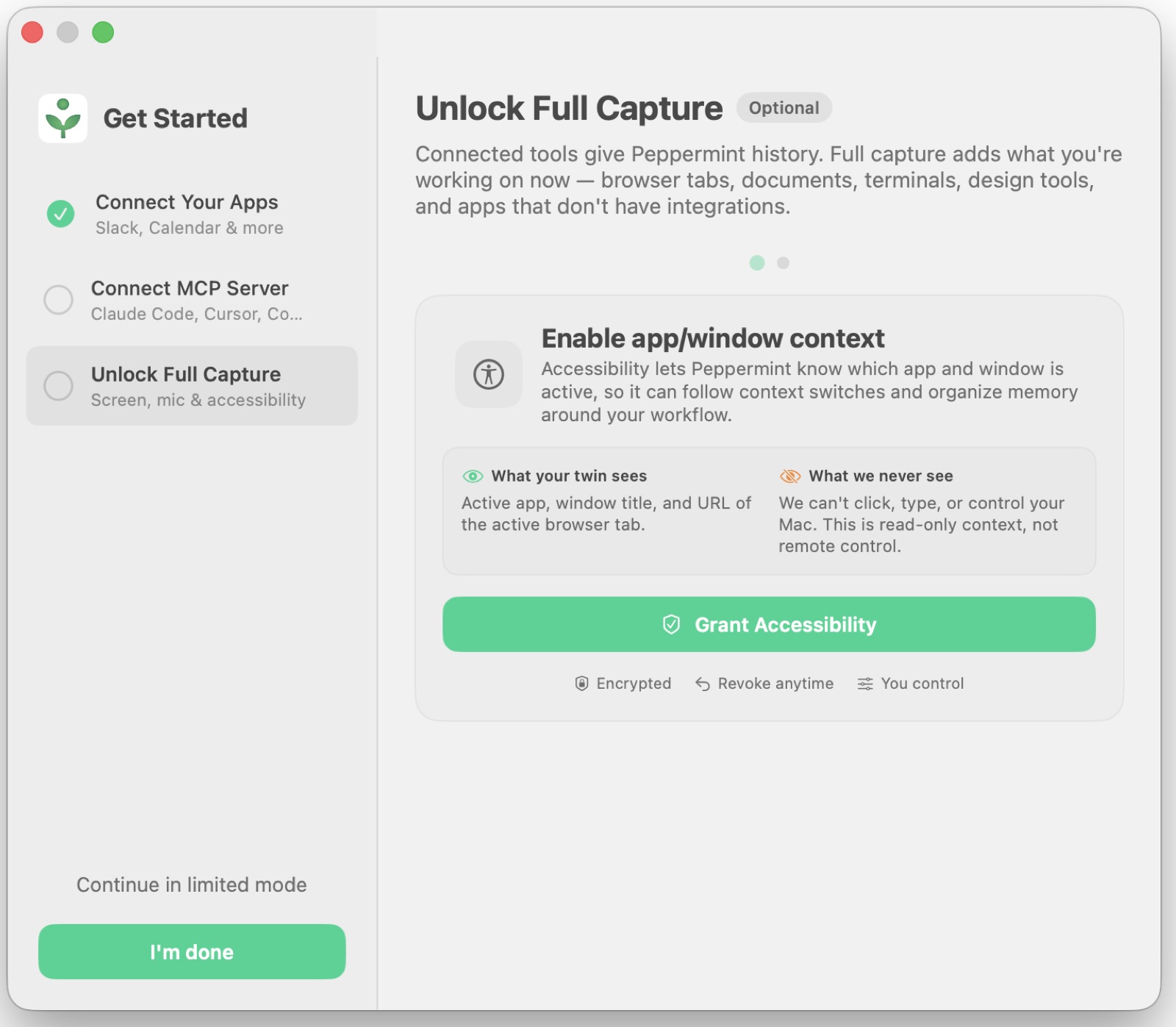
I redesigned the onboarding end-to-end. The new sequence led with a concrete value moment first, then requested permissions in context, explaining what the user would gain rather than what the app needed. Capture modes were introduced gradually so people could experience the product before deciding how much access to give.
Result: permission grant rate improved from near 0% to ~40% in an early cohort of 25 users.
Every screen was prototyped and tested with real users before shipping.
Chat & Context
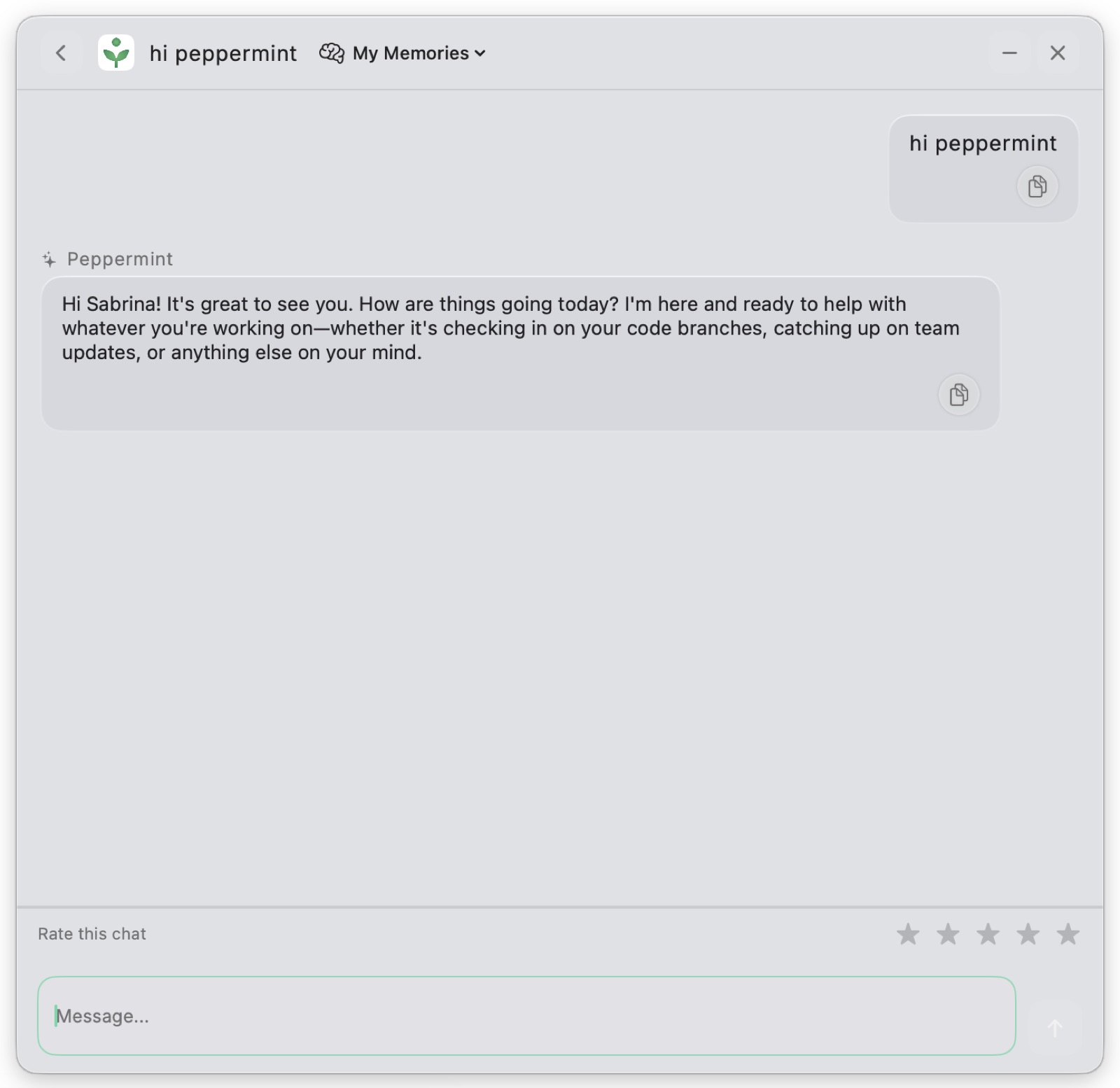
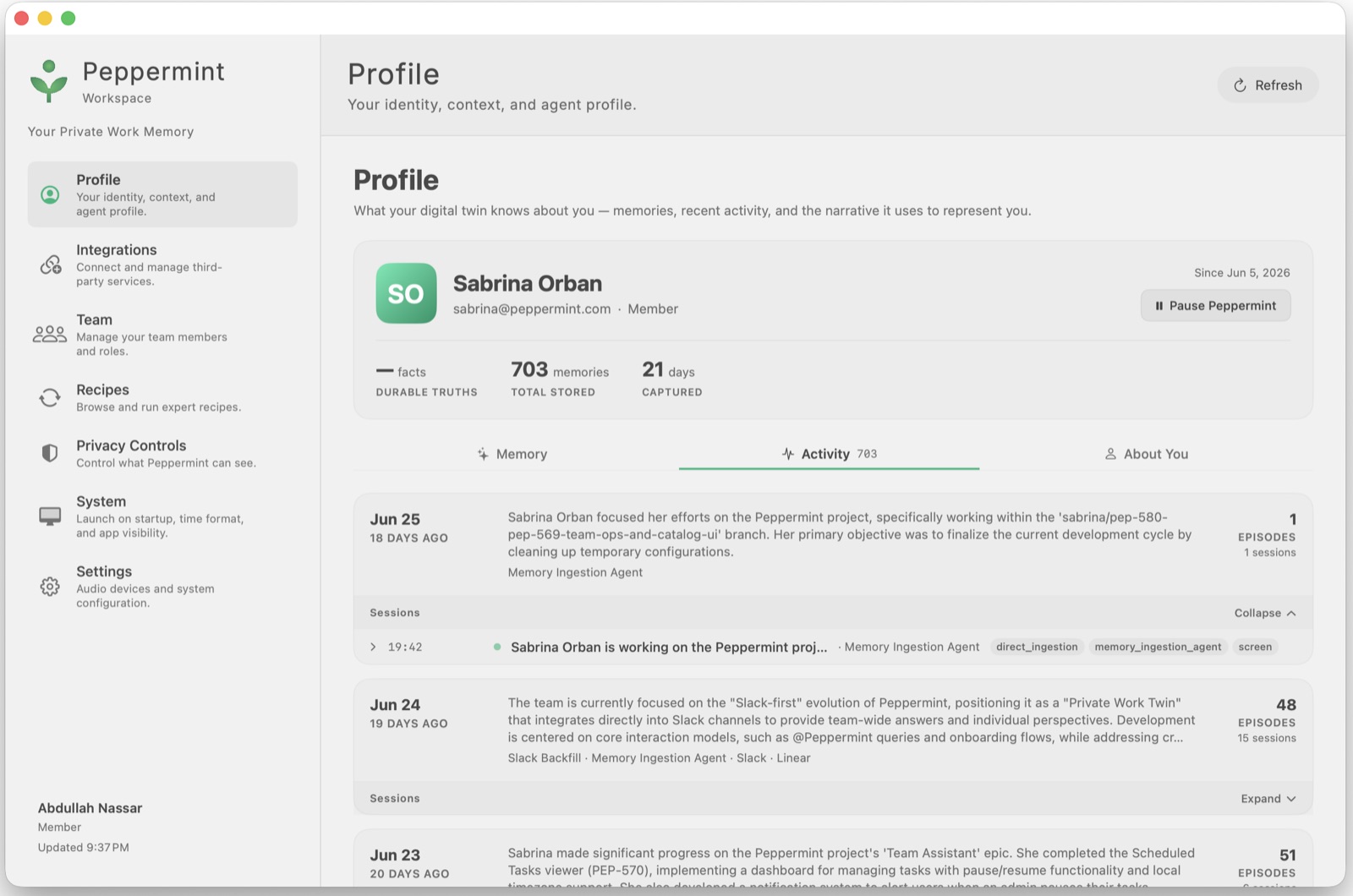
The chat interface needed to feel like talking to someone who already knows you, because it does. Peppermint has access to the user's timeline, memories, and current context.
The design challenge was communicating that depth without overwhelming the conversation. I focused on progressive disclosure: enough context to feel intelligent, never so much that it felt invasive or noisy.
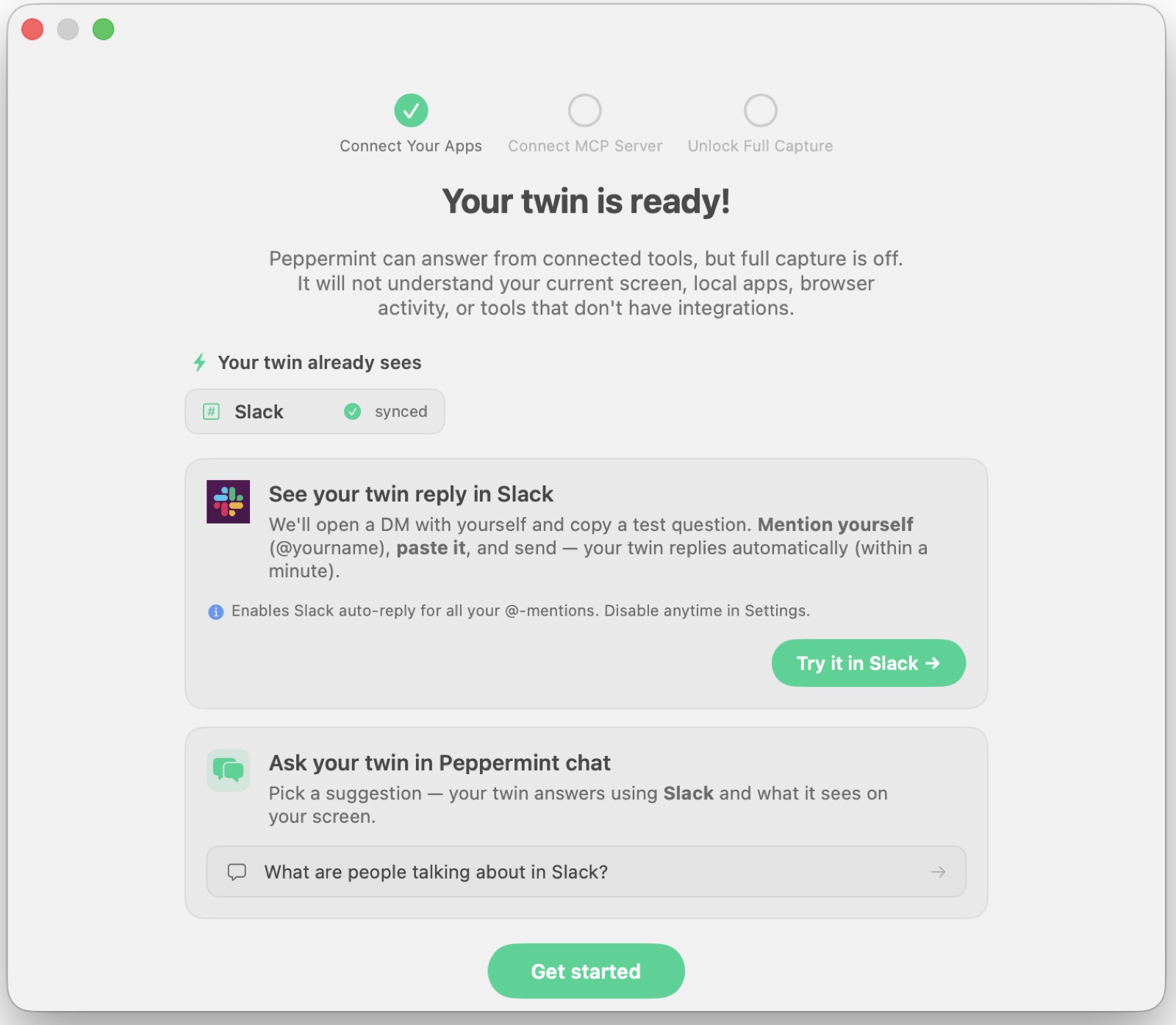
Slack Twin
One of the more complex features I shaped was the Slack twin: Peppermint acting as a team-facing agent that can answer questions, surface memories, and respond on the user's behalf.
I defined the interaction model, the permission boundaries, and the review/approval UX so users stayed in control of what left their account. The goal was usefulness without losing agency.
MCP: Memory as Infrastructure
What if every AI tool you opened already knew what you were working on?
I shaped the product and UX around Peppermint's Model Context Protocol (MCP) server: which exposes the user's memories, timeline, facts, and collections as a live context layer that any MCP-compatible tool can query. Claude Code, Cursor, Codex: they all get access to what Peppermint knows.
The practical effect: when you open an AI coding assistant mid-project, it no longer starts blind. It can see your recent decisions, the context you've built up, and the things you've explicitly stored, without you having to paste anything in.
This reframes Peppermint from "an app that watches" to a persistent memory layer that sits underneath your entire AI workflow. The context travels with you across tools.
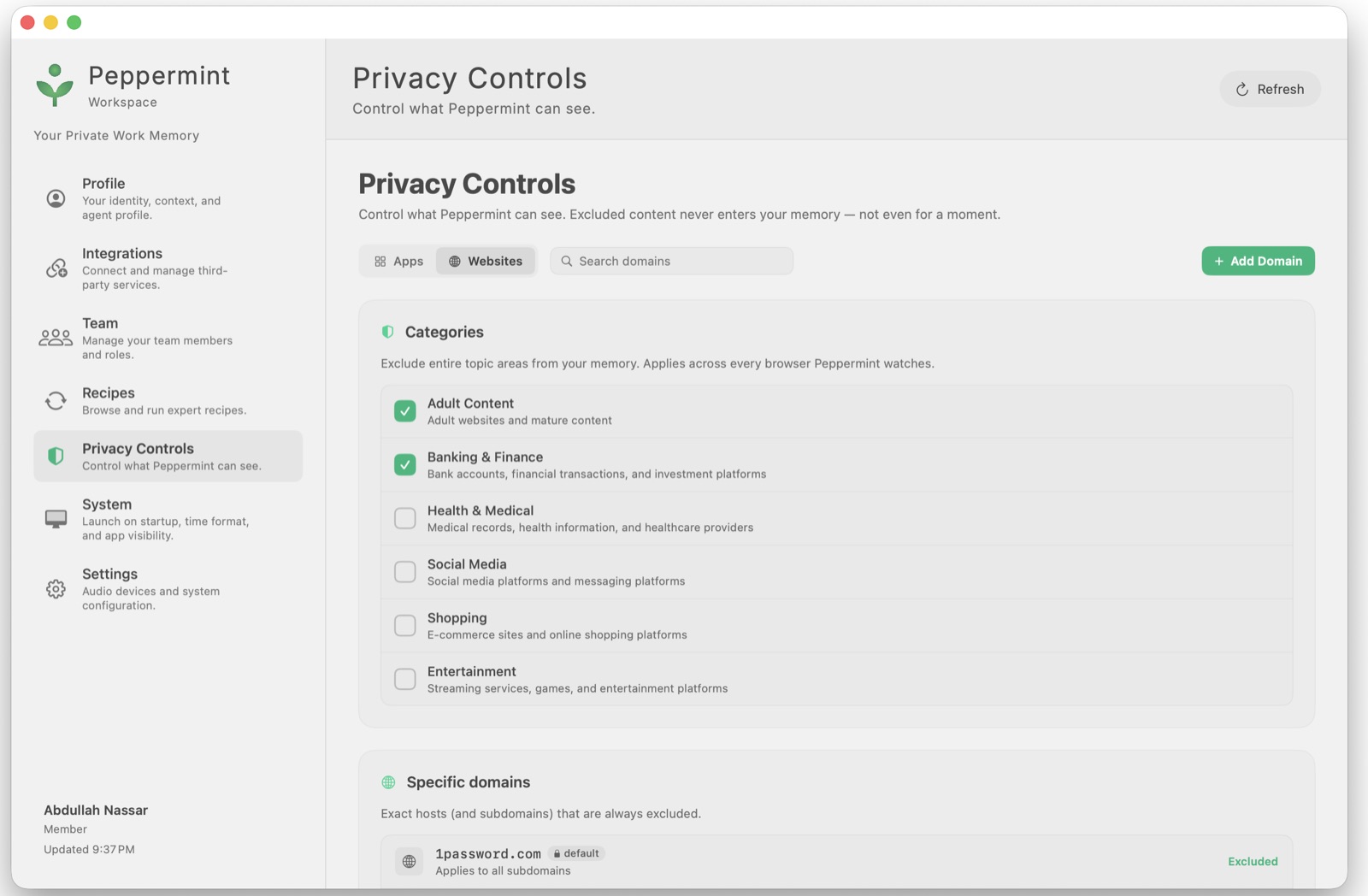
Privacy & Control
Trust is the product.
I designed the privacy layer from scratch: granular controls for what gets captured, what gets stored, and what gets shared. Users can pause capture, review their timeline, delete memories, and set per-app exclusions.
The guiding principle was simple: Peppermint should feel like a personal assistant that works for you, not a surveillance tool that reports to someone else.
Recipes & Automation
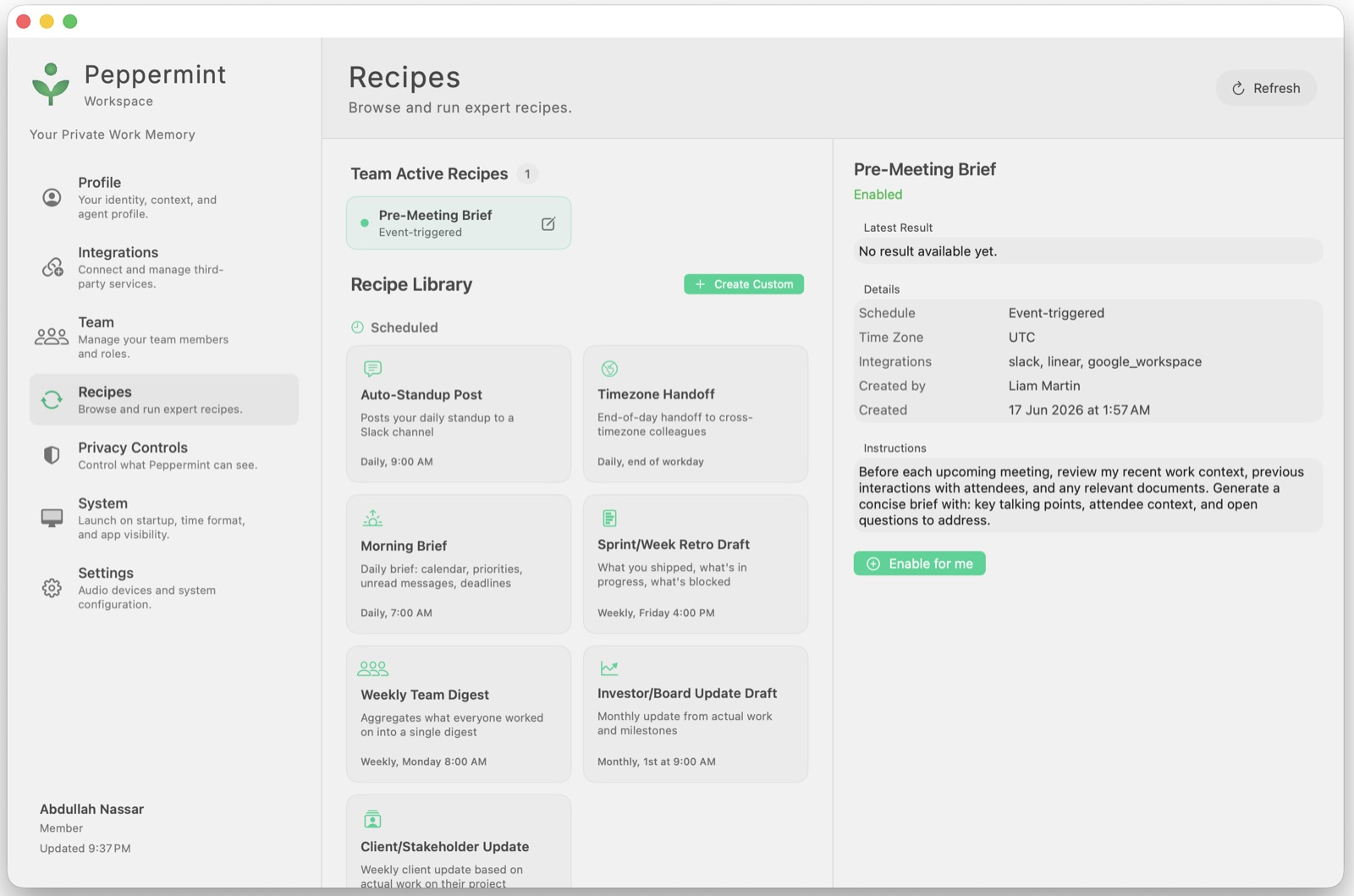
I designed the Recipes system, a way for users to define reusable, context-triggered workflows. Think of them as programmable instincts: surface this insight when X happens, draft that message when Y occurs.
This turned Peppermint from a passive observer into something that could act on the user's behalf in predictable, controllable ways.
Outcome
Peppermint shipped as a private beta with a growing user base across product, engineering, and founder personas.
I contributed across every layer (product strategy, design, and engineering) spanning 165 commits in Swift/SwiftUI, Next.js, and Python/FastAPI. The most measurable early win was the onboarding redesign that moved critical permission grant rates from near zero to ~40%.
The question I kept returning to throughout: how do we make something that truly knows you feel safe, not scary?